
Customize the Content Catalog
Under Appearance Settings, you may modify the look and feel of the Content Catalog. When you change the appearance, click Preview Site to see how it looks.
Add a Site Name
If you do not want to add a name to the Content Catalog, click the toggle switch for Show Name Next to Logo
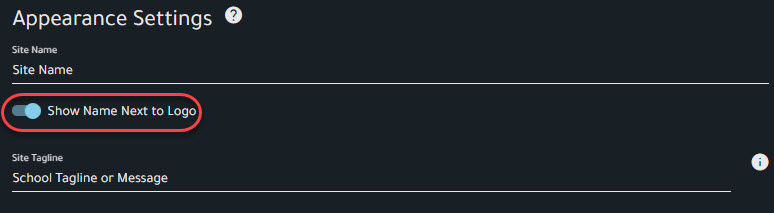
To add a name, enter it under Site Name and click Save

It will appear at the top of the Content Catalog

Comments
0 comments
Please sign in to leave a comment.